
Let’s be honest: you’re looking at your website and thinking something needs to change. Maybe it feels a bit dated. Maybe conversions aren’t where you want them. Maybe a competitor just launched something that makes yours look tired.
But here’s the question that’s probably keeping you up at night: Do you need a full business website redesign, or can you get away with freshening things up?
The answer matters. A lot. We’re talking about the difference between spending a few thousand pounds and a few weeks, versus potentially tens of thousands and several months. Get this decision wrong, and you’ll either waste money rebuilding something that didn’t need it, or watch your patched-up site continue to underperform.
Let’s cut through the confusion.
What’s Actually Different Between a Refresh and a Redesign?
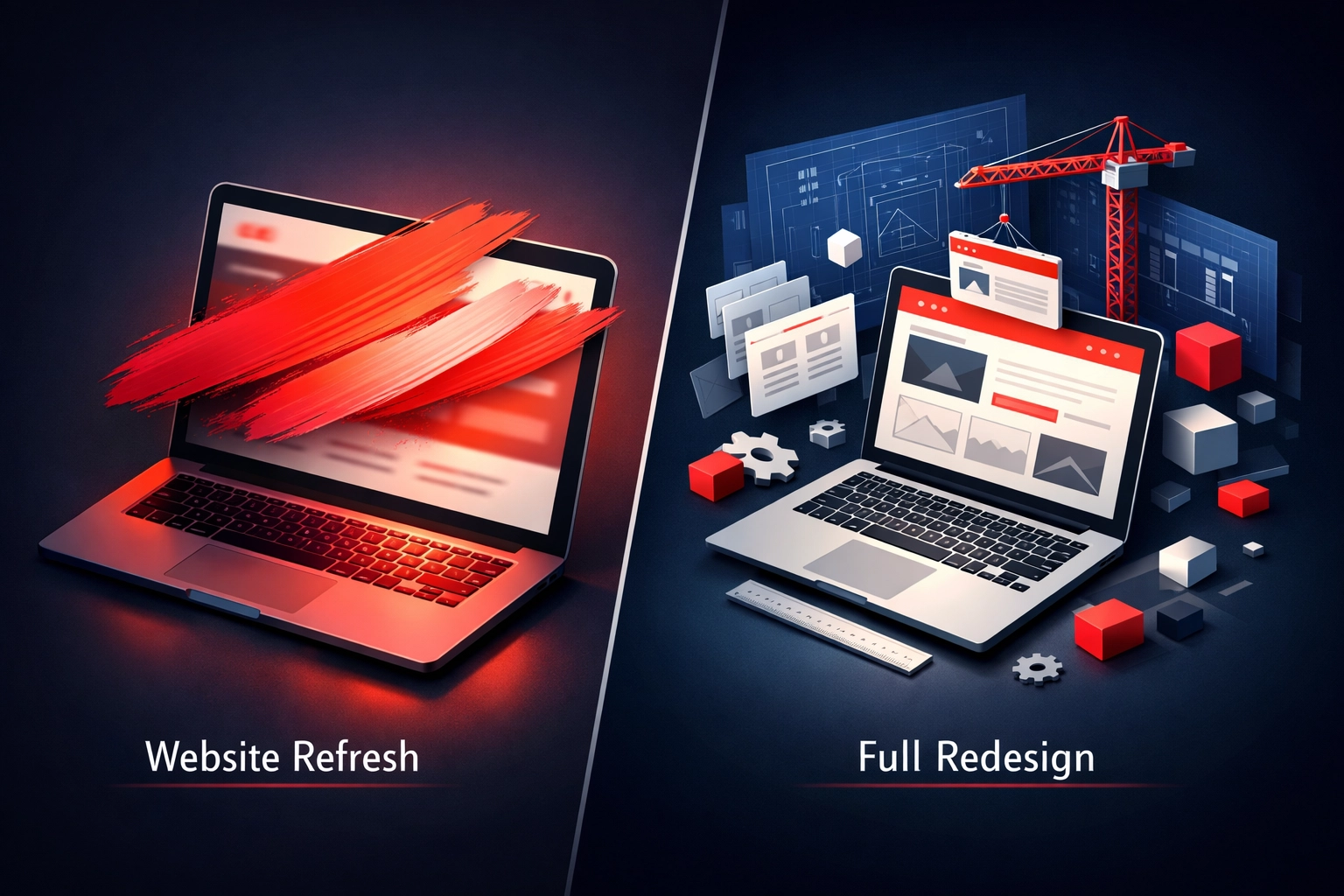
Think of it this way: a refresh is repainting your house and updating the fixtures. A redesign is knocking down walls and rebuilding the floor plan.
A website refresh updates the visual elements and tweaks functionality whilst keeping your site’s structure intact. You might change colours, update fonts, swap out imagery, refresh copy, and improve loading speeds. Your content management system stays the same. Your URLs stay the same. The bones of your site remain unchanged.
A website redesign means rebuilding from scratch or near-scratch. You’re rethinking your entire site architecture, potentially changing your CMS, restructuring navigation, reimagining user journeys, and often migrating content to a completely new platform.
Here’s what changes with each approach:
Website Refresh:
- Visual design updates (colours, fonts, imagery)
- Content updates and copywriting improvements
- Speed optimisation
- Minor UX improvements
- Mobile responsiveness tweaks
- Basic functionality additions
Website Redesign:
- Complete visual overhaul
- New site architecture and navigation
- CMS migration (potentially)
- Advanced functionality integration
- Complete content restructuring
- New user experience from the ground up
The key difference? Depth of change.
The Cost Question Everyone Wants Answered
Let’s talk money, because that’s probably your first concern when you’re deciding whether to redesign your website.
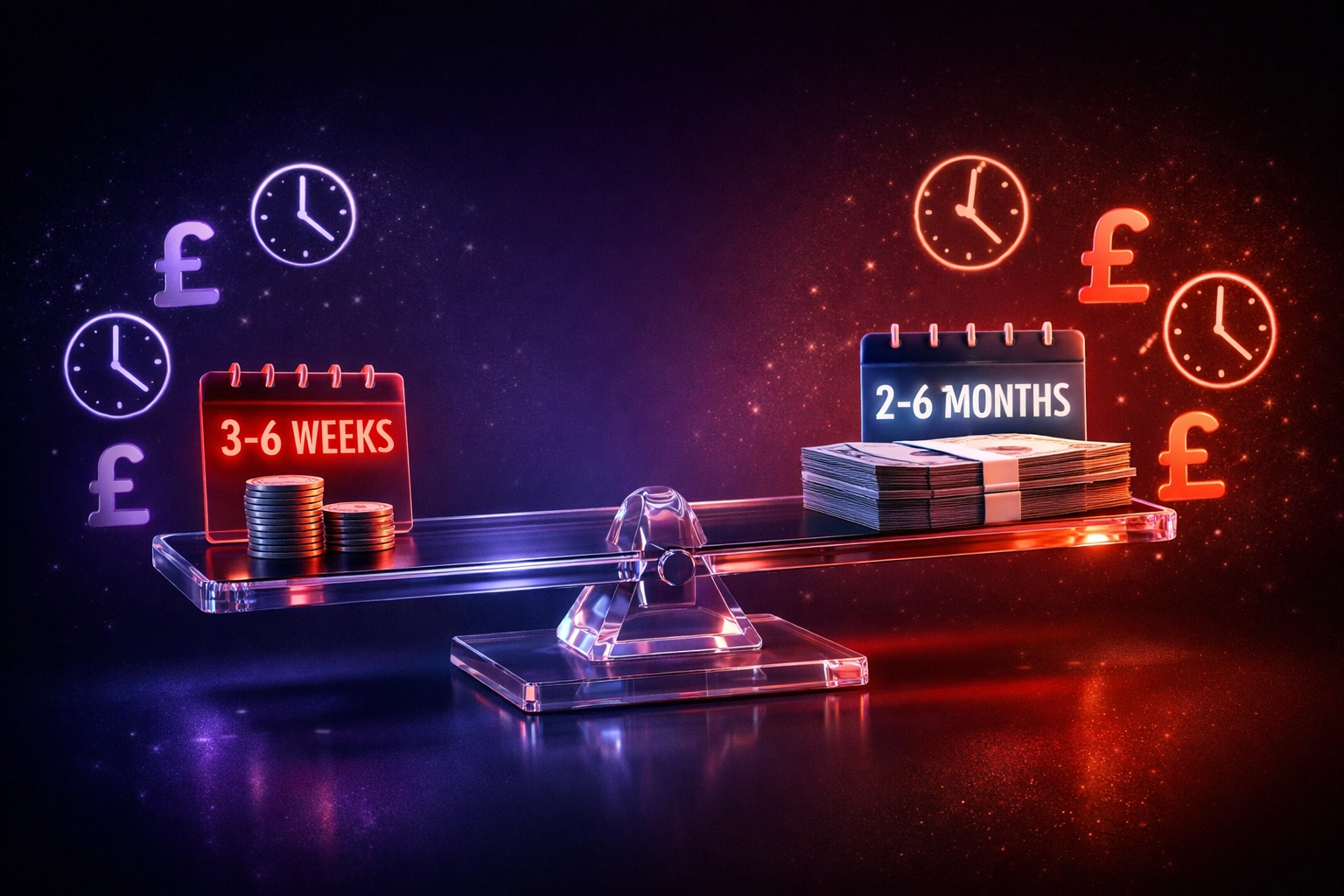
A refresh typically costs between £2,000-£8,000 and takes 3-6 weeks. You’re paying for design updates, content refreshing, and technical improvements, but you’re not rebuilding the foundation.
A full redesign? You’re looking at £8,000-£50,000+ depending on complexity, and 2-6 months of work. That includes strategy, wireframing, design, development, content creation, testing, and migration.
Here’s the thing: the cheaper option isn’t always the right option.
Refreshing a fundamentally broken website is like putting expensive paint on a house with structural issues. It might look better for a minute, but the problems remain. You’ll be back at square one within months, having wasted money on a solution that was never going to work.
On the flip side, completely rebuilding a website that just needs visual updates is overkill. You’re paying for work you don’t need.
When a Refresh Is Exactly What You Need
You should consider a refresh when:
Your site is relatively new. If your website is only 2-3 years old and was built properly, the structure is probably fine. You might just need fresh visuals and updated content.
The functionality works. Users can navigate easily, forms work, pages load reasonably fast. If the mechanics are sound, why rebuild?
You’ve rebranded. New logo, new colours, new messaging, but your site structure still makes sense for your business. A refresh aligns your website with your new identity without starting over.
Your budget is tight. Sometimes you need improvements but don’t have £20,000+ sitting around. A refresh delivers visible results without breaking the bank.
SEO is performing well. If you’re ranking for important keywords, a refresh maintains that whilst improving conversion rates. No need to risk your rankings with a complete rebuild.
Think of a refresh as strategic maintenance. You’re keeping what works and improving what doesn’t, without throwing the baby out with the bathwater.
When You Actually Need to Rebuild Your Website
Sometimes a fresh coat of paint isn’t enough. Here’s when you need a proper business website redesign:
Your site is old. If your website is 5+ years old, it’s probably built on outdated technology. Design trends have moved on. User expectations have changed. Mobile usage has exploded. You’re not just behind, you’re struggling with fundamental limitations.
Your bounce rate is sky-high. If people are landing on your site and immediately leaving, that’s not a cosmetic problem. That’s a structural one. Poor navigation, confusing layout, slow loading, these need a complete rethink.
Your business has evolved. Started as a freelancer, now you’re a 15-person agency? Began with one service, now you offer five? Your website structure needs to reflect your current reality, not where you were three years ago.
Mobile is a disaster. If your site barely functions on phones and tablets, a responsive refresh won’t cut it. You need mobile-first design from the ground up.
You’re missing critical functionality. Need client portals? E-commerce capabilities? Advanced integrations with your CRM? These aren’t refresh-level changes, they require rebuilding with the right foundation.
You can’t manage your own content. If updating your website requires calling a developer every time, your CMS is the problem. A redesign with the right platform gives you control.
The SEO Factor Nobody Mentions
Here’s something most agencies won’t tell you upfront: redesigns can tank your SEO if handled poorly.
A refresh carries minimal SEO risk because your URLs stay the same, your site structure remains intact, and search engines see incremental improvements rather than wholesale changes.
A redesign? That’s where things get risky. Change URLs without proper redirects, and you lose rankings. Restructure your site architecture carelessly, and you confuse search engines. Launch without proper technical SEO, and months of ranking history can evaporate.
This doesn’t mean you should avoid a redesign when you need one. It means you need to work with people who understand SEO implications and plan accordingly. At Bamsh, we’ve seen businesses lose 60% of their organic traffic post-redesign because their agency didn’t handle redirects properly. We’ve also seen redesigns that improved rankings by 40% because they were executed with SEO at the core.
The question isn’t whether a redesign will affect your SEO, it will. The question is whether you’re working with someone who knows how to make that impact positive.
How to Actually Make This Decision
Stop overthinking it. Here’s a practical framework:
Ask yourself these questions:
- Is my website helping or hindering my business goals?
- Do potential customers trust what they see when they land on my site?
- Can I easily update content and make changes?
- Does my site load quickly and work flawlessly on mobile?
- Has my business changed significantly since my site was built?
If you answered “hindering,” “no,” “no,” “no,” and “yes,” you probably need to rebuild your website.
If your answers were mixed, think about what’s actually broken. Visual design? That’s refresh territory. Fundamental functionality and structure? Time for a redesign.
The timeline test is also telling. If you need improvements now and have limited budget, a refresh gets you moving in the right direction whilst you plan for a bigger project later. Think of it as phase one of a longer strategy.
What Happens If You Choose Wrong?
Choose a refresh when you needed a redesign? You’ll spend money on improvements that don’t solve your underlying problems. Conversions will remain disappointing. User experience will still frustrate visitors. You’ll be back considering a proper redesign within 6-12 months, having spent money that could have gone toward the real solution.
Choose a redesign when a refresh would have worked? You’ll blow your budget and timeline on changes you didn’t need. Yes, you’ll have a shiny new site, but you could have achieved your goals faster and cheaper. That extra money could have gone toward marketing, content creation, or actually growing your business.
Neither mistake is fatal, but both are expensive lessons.
The Middle Ground Option
Here’s something worth considering: a phased approach.
Start with a strategic refresh that addresses immediate concerns: outdated design, slow loading, basic UX improvements. This gives you breathing room and some quick wins.
Then plan a proper redesign over the next 6-12 months, using what you learn from the refresh to inform the bigger project. You’ll have data on what works, what doesn’t, and what your users actually need.
This approach works particularly well if you’re not entirely sure what the “right” solution looks like yet. You’re testing hypotheses with smaller investments before committing to a complete rebuild.
Making It Happen
Whether you need a refresh or a redesign, the worst decision is doing nothing.
Every day your website underperforms is a day you’re losing potential customers to competitors with better digital experiences. Every week you delay is another week your outdated site is damaging your brand perception.
The good news? Now you know the difference between a refresh and a redesign. You understand the cost implications. You’ve got a framework for making the decision.
If you’re still unsure which path is right for your business, that’s where professional guidance comes in. A proper website audit reveals exactly what’s working, what’s broken, and what you actually need: not what someone wants to sell you.
Your website is often the first impression potential customers have of your business. Make sure it’s the right one.
Frequently Asked Questions
1. What is the difference between a website refresh and a website redesign?
A website refresh updates the visual design, content, and performance improvements whilst keeping the existing site structure intact. A redesign rebuilds the entire website, including navigation, architecture, and user experience.
2. How do I know if my website needs a refresh or a full redesign?
If your website structure works but looks outdated, a refresh may be enough. If your site has poor usability, outdated technology, or major functionality issues, a full redesign is usually required.
3. How much does a website refresh cost in the UK?
A typical website refresh in the UK can cost between £2,000 and £8,000 depending on the size of the site, content updates, and design improvements required.
4. How much does a full website redesign cost?
A full website redesign can range from £8,000 to £50,000 or more depending on complexity, new functionality, design work, and development requirements.
5. How long does a website refresh usually take?
Most website refresh projects take around 3 to 6 weeks, as they focus on updating visuals, improving speed, and refining user experience without rebuilding the entire site.
6. How long does a full website redesign take?
A complete website redesign generally takes between 2 and 6 months because it involves strategy, design, development, testing, and often content restructuring.
7. Will a website redesign affect my SEO rankings?
Yes, a redesign can affect SEO if not handled carefully. Changes to URLs, structure, and content require proper redirects and SEO planning to protect existing rankings.
8. Can a website refresh improve conversions?
Yes. Updating design, improving page speed, refining messaging, and simplifying navigation can significantly improve conversion rates without rebuilding the entire website.
9. When should a business consider a full website rebuild?
A business should consider a redesign when the website is more than five years old, difficult to update, not mobile friendly, or unable to support new functionality.
10. Is it possible to start with a refresh and redesign later?
Yes. Many businesses begin with a refresh to improve performance and visual appeal, then plan a full redesign later once they have clearer goals and user data.