
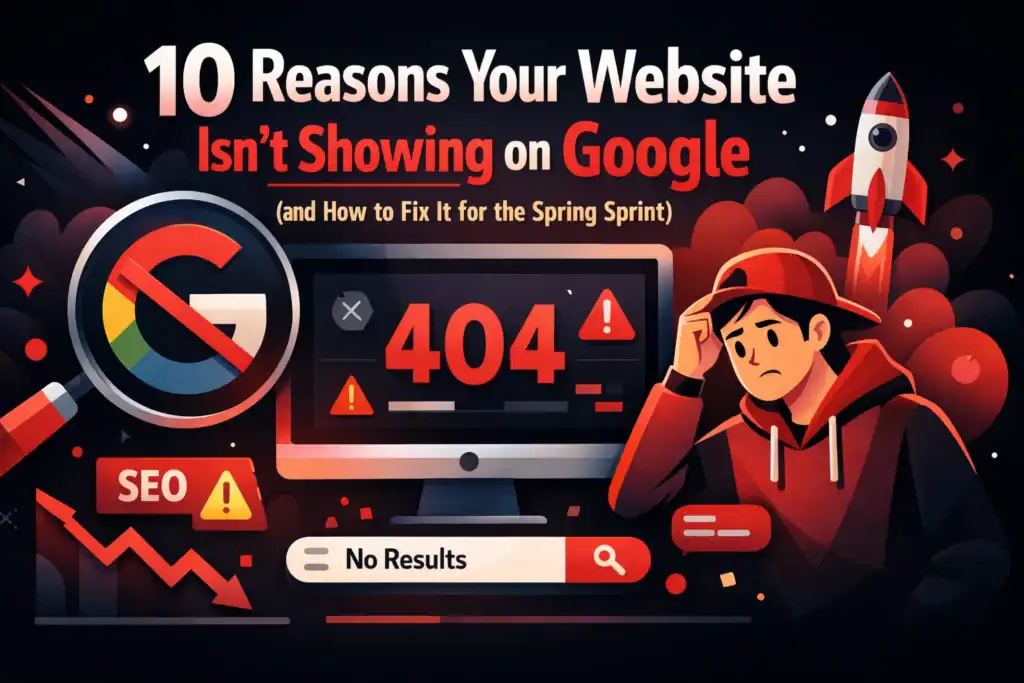
You’ve spent weeks, maybe months, getting your business website ready. You’ve tweaked the images, written the copy, and finally hit ‘publish’. But then, you head over to Google, type in your business name or what you do, and… nothing. It’s like your website is a ghost in the digital machine.
If you’re a Bristol business owner, this isn’t just frustrating, it’s costing you leads. With the “Spring Sprint” just around the corner, now is the time when customers are shaking off the winter blues and looking for local services. If they can’t find you, they’ll find your competitor across town.
The good news? Most of the reasons your site isn’t showing are fixable. Let’s dive into the ten most common culprits and how you can get your site back on the map.
1. Your Site is the “New Kid on the Block”
One of the most common reasons a website doesn’t show up is simply that it’s too new. Google isn’t a live feed; it’s an index. Its “crawlers” (automated software) need to find your site, read it, and decide where it fits.
Why This Matters
If Google hasn’t crawled your website yet, it doesn’t know you exist. This process can take anywhere from a few days to a few weeks for a brand-new domain.
How It Helps You
You can speed this up by telling Google exactly where you are. By setting up a Google Search Console account and submitting a “sitemap”, essentially a digital list of all your pages, you’re handing Google a map to your front door.
2. You’ve Accidentally Told Google to “Keep Out”
It sounds strange, but many business owners accidentally hide their own websites. This usually happens during the build phase. Developers often check a box that says “Discourage search engines from indexing this site” so people don’t see the website while it’s half-finished.
Why This Matters
If that box stays checked after you launch, Google will respect your wishes and stay away. This is controlled by something called a “noindex” tag or your “robots.txt” file.
How It Helps You
Checking this is a quick fix. If you’re using WordPress, it’s a single checkbox in your settings. If it’s a code issue, a quick web design audit can spot and remove the “keep out” sign in minutes.

3. Technical “Hiccups” and Crawl Errors
Sometimes Google tries to visit your website but hits a brick wall. This could be due to your server being down, broken links, or “404 errors” (pages that no longer exist).
Why This Matters
If Google encounters too many errors, it might decide your site isn’t reliable enough to show to users. It wants to provide a good experience, and a broken website isn’t that.
How It Helps You
Regularly checking your “Coverage” report in Google Search Console will show you exactly which pages Google is struggling with. Fixing these errors ensures the path is clear for Google to index your entire website.
4. Your Content is a Bit “Thin”
Google loves information. If your pages only have a few sentences and a single image, Google might view them as “thin content.”
Why This Matters
Google’s goal is to answer a user’s question. If your page doesn’t provide enough value or detail, Google won’t think it’s the best answer to show.
How It Helps You
Expanding your pages to include more detail, helpful advice, and local context (like mentioning you serve the Clifton or Bedminster areas) makes your site more authoritative. It’s about being the most helpful person in the room.
5. You’re Missing the Bristol Connection
If you are a local business, you aren’t just competing with the whole world; you’re competing with other businesses in Bristol. If your website doesn’t explicitly say you’re based here, Google might not show you to local searchers.
Why This Matters
Search intent is huge. If someone searches for “plumber,” Google looks for plumbers near them. If your site doesn’t mention Bristol, South Gloucestershire, or North Somerset, you might be overlooked for someone who does.
How It Helps You
Updating your local Bristol SEO involves adding your location to your headers, your footer, and your Google Business Profile. This anchors your digital presence in the real world.
6. Mobile Users (and Google) are Struggling
In 2026, Google primarily looks at the mobile version of your site to decide how to rank you. If your site looks great on a desktop but is a jumbled mess on a smartphone, you’re going to have problems.
Why This Matters
Most local searches happen on mobile devices while people are on the go. If your site is slow to load or hard to navigate on a phone, Google will demote you in favour of mobile-friendly sites.
How It Helps You
Ensuring your site is “responsive” (meaning it adapts to any screen size) isn’t just for Google; it’s for your customers. A smooth mobile experience leads to more phone calls and enquiries.
7. A Messy Map (Site Structure)
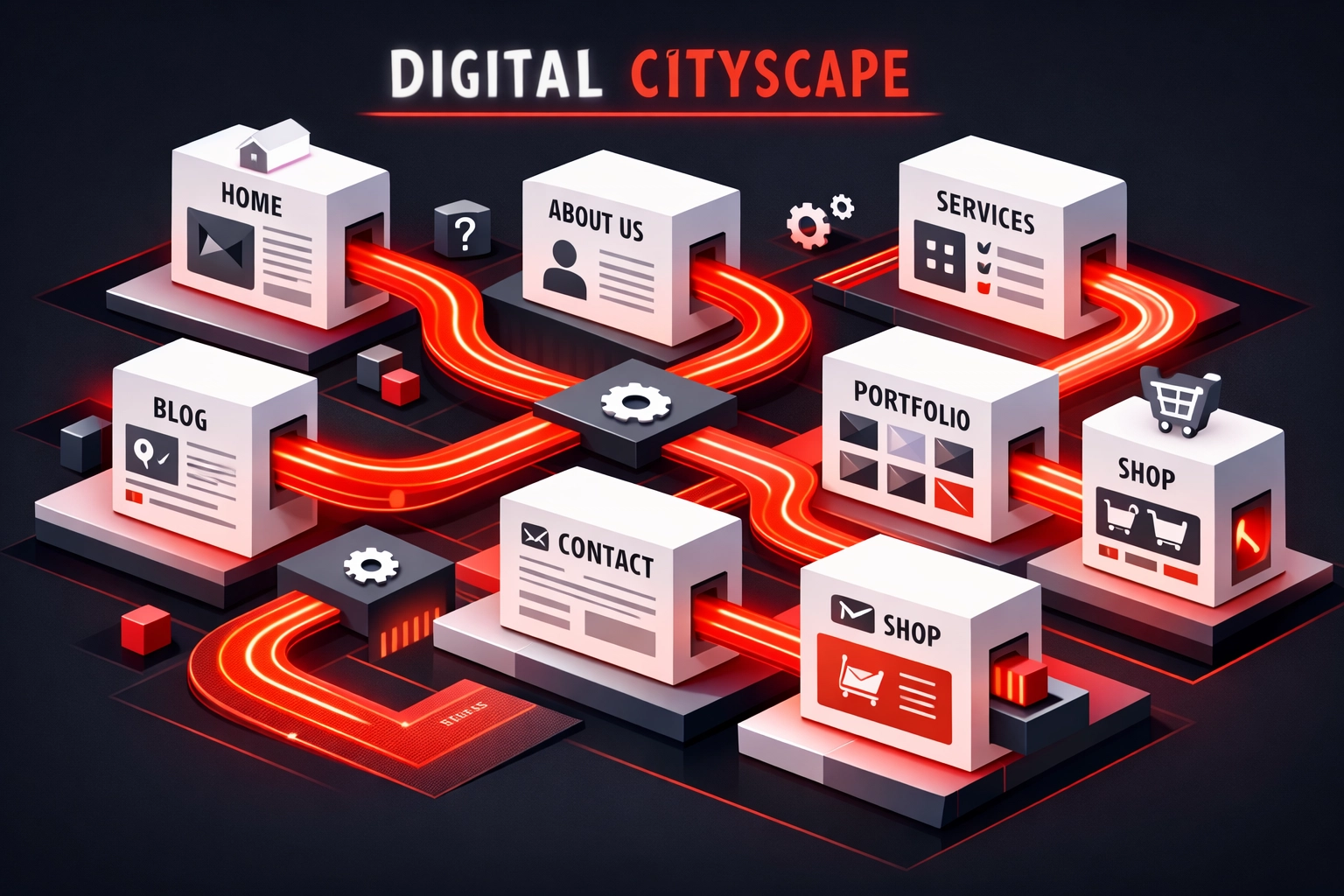
Think of your website like a shop. If the aisles are blocked and there are no signs, customers (and Google’s crawlers) will get lost.
Why This Matters
A clear hierarchy, where your main services are easy to find from the homepage, helps Google understand what your business is actually about.
How It Helps You
By organising your site logically, you make it easier for both humans and bots to find what they need. This often involves a website redesign to streamline the user journey.
8. The Security Red Flag
Have you ever clicked a link and seen a big red warning saying “This website is not secure”? That happens when a site doesn’t have an SSL certificate (the “https” at the start of the URL).
Why This Matters
Google takes security seriously. It will actively warn users away from insecure sites and will often refuse to rank them altogether.
How It Helps You
Installing an SSL certificate is usually a simple task through your hosting provider. It builds immediate trust with your visitors, showing them that their data is safe with you.
9. No One is Vouching for You (Backlinks)
In the world of Google, a link from another reputable website to yours is like a “vote of confidence.” These are called backlinks.
Why This Matters
If no one is linking to you, Google has less reason to trust that you’re an authority in your field. It’s the digital version of word-of-mouth.
How It Helps You
Getting listed in local Bristol directories or mentioned in local news can give your site the authority boost it needs to start climbing the rankings.
10. You’re Hiding Your Best Bits Behind a Wall
If you have great content but it’s all hidden behind a login or a “Sign up for our newsletter” pop-up that covers the whole screen, Google can’t see it.
Why This Matters
If Google can’t read the text, it can’t index it. If your most important keywords are hidden, you won’t show up for them.
How It Helps You
Make sure your core service information is publicly accessible. You can still have “member-only” areas, but your main “selling” content needs to be out in the open.
DIY SEO vs. Professional Agency: What’s the Difference?
You might be wondering if you can fix these issues yourself or if you need to bring in the pros. Here’s how the two approaches usually stack up:
| Feature | DIY Search Engine Optimisation | Bamsh Digital Marketing (Pro) |
|---|---|---|
| Time Investment | 10-15 hours a week of learning and doing. | Zero. We handle the heavy lifting while you run your business. |
| Technical Accuracy | High risk of missing “hidden” code errors. | Expert-level audits that find every single “noindex” or crawl error. |
| Speed of Results | Slower (learning curve included). | Faster (we use proven “Spring Sprint” strategies). |
| Cost | “Free” (but costs you your own time). | Transparent, predictable monthly investment. |
| Tools Used | Basic free versions of tools. | Professional, high-end data analytics and SmartPulse tech. |
Fix the “Imagination Gap” for the Spring Sprint
One of the biggest hurdles business owners face is what we call the “imagination gap.” You know your website could be better, but you can’t quite picture how it would look or what it would actually cost to fix it. This often leads to “website embarrassment,” where you’re actually hesitant to send people to your site because you know it’s not performing.
We want to give you instant visual proof and clear figures so you can make a decision without any sales pressure.
First, use our Website Preview Tool. It allows you to see what a high-performing version of your site could look like, helping you bridge that gap between your current site and your business goals.
Second, if you’re worried about the price of professional help, head over to our Digital Marketing Costs Estimator. It gives you a clear, honest breakdown of what you can expect to invest to get your site showing on Google. No “hidden” fees, just straight talk.
Frequently Asked Questions (FAQ)
How long does it take for Google to show my site after I fix these issues?
Once you’ve made the changes and requested a “re-crawl” via Google Search Console, you can usually see results in 3 to 10 days. However, ranking on the first page for competitive terms can take a few months of consistent work.
Can I just pay Google to show my site?
Yes, that’s called Google Ads. It’s a great way to get immediate traffic while you wait for your organic (SEO) rankings to improve. We often recommend a mix of both for the best results.
Is my website too old to fix?
Rarely. While a very old site might need a redesign to meet modern mobile standards, your domain age can actually be a benefit because Google often trusts older domains more than brand-new ones.
Do I really need to mention Bristol on every page?
Not every page, but your main service pages and your “Contact Us” page should definitely have your local details. It’s about making it clear to both Google and your customers that you are a local expert.
What is the most important thing to fix first?
Check your Google Search Console for any “Security” or “Manual Actions.” If Google has flagged your site for a security issue, nothing else you do will matter until that’s cleared up.
Ready to stop being a “digital ghost”?
Don’t let another month go by with a website that nobody can find. The Spring Sprint is the perfect time to refresh your online presence and start generating the leads your business deserves.
Start by seeing the potential of your site with our Website Preview Tool, and then get a realistic look at the investment required with our Digital Marketing Costs Estimator.
Let’s get your Bristol business back where it belongs( on the front page.)