
Every South West UK business owner knows the challenge of making every advertising pound count. When your goal is to turn clicks into genuine enquiries, a well-planned Google Ads campaign can transform your growth prospects. By focusing on crystal-clear campaign goals and strategic budget allocation, you position your service business for predictable lead generation and measurable returns.
Table of Contents
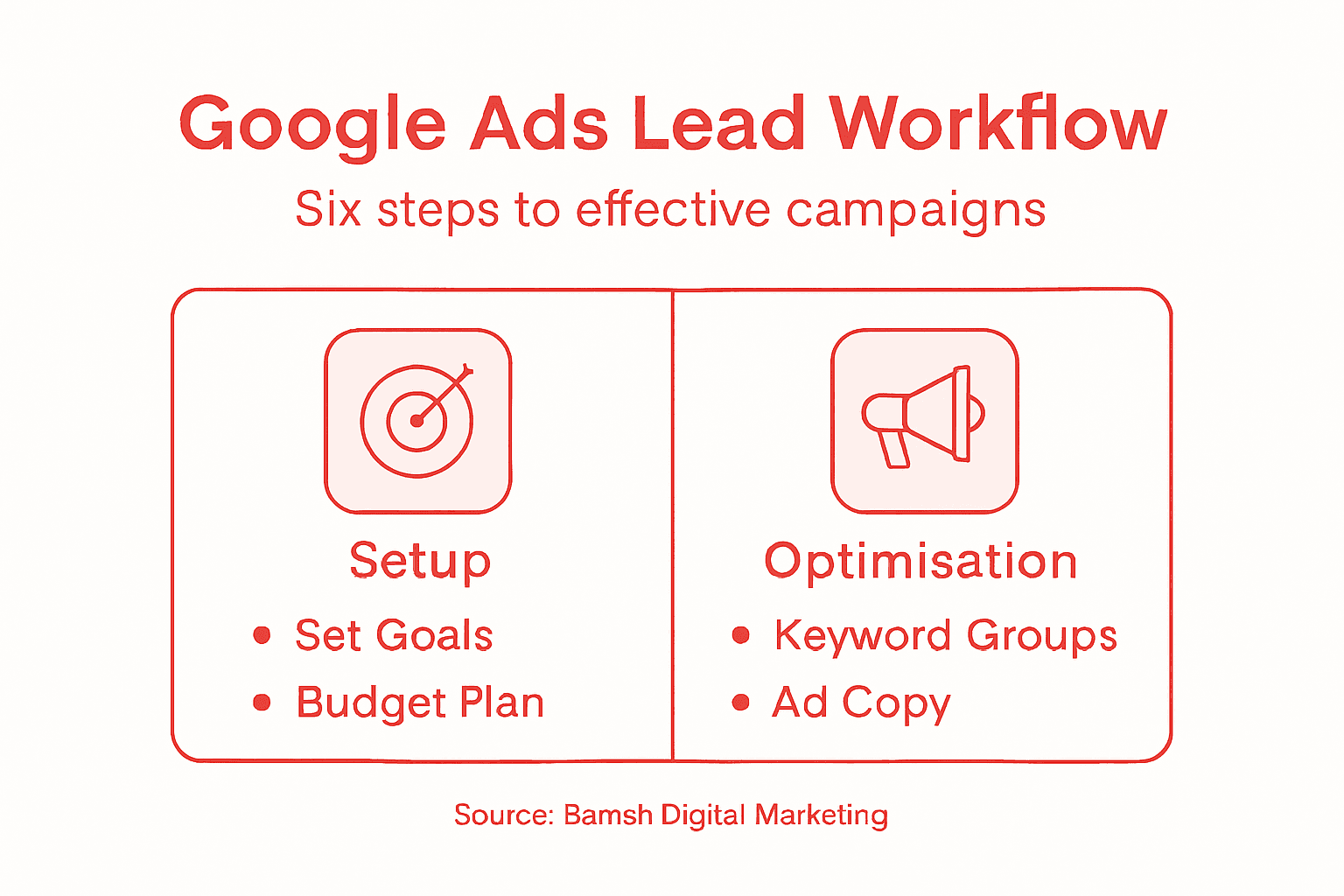
- Step 1: Plan Your Campaign Goals And Budget
- Step 2: Create Your Google Ads Account And Billing
- Step 3: Build Targeted Ad Groups And Keywords
- Step 4: Design Compelling Ad Copy And Extensions
- Step 5: Launch Your Campaign And Monitor Performance
- Step 6: Review Results And Optimise For More Leads
Quick Summary
| Key Insight | Explanation |
|---|---|
| 1. Define Clear Goals for Campaign | Establish specific, measurable objectives to effectively structure your Google Ads approach and track performance. |
| 2. Set a Strategic Budget | Allocate a conservative initial budget and factor in your cost per lead and customer lifetime value to ensure smart investment. |
| 3. Build Targeted Ad Groups | Focus on customer search intent and create tightly themed ad groups for precise targeting and relevant ad copy and landing pages. |
| 4. Craft Compelling Ad Copy | Use powerful language and a clear call to action while addressing customer pain points to drive engagement and conversion. |
| 5. Regularly Monitor and Optimise Performance | Track key performance indicators and make data-driven adjustments to improve conversion rates and overall campaign success. |
Step 1: Plan your campaign goals and budget
Setting up an effective Google Ads campaign starts with crystal-clear goals and a strategic budget. Your primary objective is to transform your advertising investment into a predictable lead generation machine that consistently attracts your ideal customers.
Begin by defining specific, measurable objectives for your campaign. Are you looking to drive website enquiries, generate phone calls, or boost online bookings? Your goals will directly influence how you structure your Google Ads approach. For instance, tracking key performance indicators allows you to monitor progress and optimise spending effectively.
Consider these crucial budget planning steps:
- Determine your monthly advertising spend based on your business revenue
- Calculate the maximum cost per lead you can afford
- Factor in your average customer lifetime value
- Set realistic conversion rate expectations
Research shows that businesses who strategically allocate their marketing budget achieve substantially better results. By aligning financial resources with organisational goals, you increase the likelihood of campaign success.
Your budget isn’t just about how much you spend, but how smartly you invest in reaching potential customers.
Start with a conservative budget and be prepared to adjust based on initial performance. Most service businesses in the South West UK begin with £500-£1,500 monthly ad spend, scaling up as they understand their campaign’s efficiency.
Pro tip: Allocate approximately 10-15% of your initial budget for testing and learning, which helps refine targeting without risking your entire marketing investment.
Below is a summary of campaign goals and their typical impact on service businesses:
| Campaign Goal | Measurable Outcome | Business Impact |
|---|---|---|
| Website enquiries | Increased online forms | More qualified lead opportunities |
| Phone call generation | Higher call volumes | Direct sales conversations |
| Online bookings | Increased scheduled jobs | Improved resource utilisation |
| Brand awareness | More ad impressions | Broader market recognition |
Step 2: Create your Google Ads account and billing
Creating your Google Ads account is the crucial first technical step in launching your lead generation campaign. This process involves setting up your business profile and establishing a secure payment method that will power your digital advertising efforts.
To begin, you’ll need a Google account associated with your business email. If you don’t already have one, create a professional email address specifically for your marketing activities. Registering online accounts requires careful attention to detail to ensure smooth setup and compliance.
Follow these step-by-step instructions:
- Visit ads.google.com and click ‘Start Now’
- Sign in with your business Google account
- Enter your business details accurately
- Select your primary advertising objective
- Choose your billing country and currency
- Add your payment method (credit card or bank transfer)
When setting up billing, consider these important considerations:
- Use a business credit card for easier tracking
- Set up monthly spending limits to control costs
- Enable alerts for budget thresholds
- Link your Google Ads account with official tax registration systems for accurate financial reporting
Your billing setup is the financial foundation of your Google Ads strategy – get it right from the start.
Remember that Google requires valid payment information before your ads can go live. Most South West UK businesses find the process straightforward, typically taking 15-30 minutes to complete.
Pro tip: Create a dedicated business bank account or credit card for advertising expenses to simplify accounting and separate personal and professional spending.
Step 3: Build targeted ad groups and keywords
Building targeted ad groups and keywords is the strategic core of your Google Ads campaign. This crucial step transforms your advertising approach from generic broadcasting to precision targeting that attracts your ideal customers.

Start by understanding your customers’ search intent. Choosing good keywords requires deep insight into how potential clients search for services like yours. Think about the specific phrases and questions your target audience in the South West UK might use when seeking your services.
Create your keyword strategy using these approaches:
- Group keywords by specific themes or service types
- Use a mix of broad, phrase, and exact match keywords
- Include location-specific terms for local targeting
- Incorporate long-tail keywords with lower competition
Your ad groups should be tightly themed, allowing for highly relevant ad copy and landing pages. For instance, a plumbing business might create separate ad groups for:
- Emergency plumbing services
- Bathroom installation
- Boiler repair
- Commercial plumbing solutions
Precision in keyword selection is more valuable than volume – target quality over quantity.
Utilise strategic keyword selection techniques that balance specificity with reach, ensuring your ads appear for the most relevant searches.
Pro tip: Regularly review and refine your keyword list, removing underperforming terms and adding new variations based on search term reports.
Step 4: Design compelling ad copy and extensions
Crafting persuasive Google Ads copy is an art form that transforms casual browsers into genuine leads. Your ad copy needs to speak directly to your potential customers’ needs, challenges, and desires while standing out in a crowded digital marketplace.
When developing your ad content, ensure you’re following advertising regulations that govern truthful and transparent marketing in the UK. This means creating copy that is not just attractive, but legally compliant and ethically sound.
Your ad copy strategy should incorporate these key elements:
- Address a specific customer pain point
- Highlight your unique value proposition
- Use powerful, action-oriented language
- Include a clear call-to-action
- Incorporate local South West UK references
Structure your ad extensions to provide additional value:
- Sitelink extensions for deeper website navigation
- Call extensions to encourage direct contact
- Location extensions for local credibility
- Callout extensions to showcase special offers
The most effective ads don’t just sell a service – they solve a problem and create an emotional connection.
Understand the nuanced intellectual property considerations when crafting your ad content, ensuring you’re not inadvertently using copyrighted material or misleading language.
Pro tip: Test multiple ad variations simultaneously and use Google’s built-in performance metrics to continuously refine your messaging for maximum lead generation.
Step 5: Launch your campaign and monitor performance
Launching your Google Ads campaign marks the beginning of your lead generation journey. This critical phase transforms your strategic planning into real-world marketing action, where careful monitoring becomes the key to ongoing success.
As you initiate your campaign, pay close attention to digital advertising performance metrics that reveal the effectiveness of your advertising efforts. Understanding these indicators will help you make data-driven adjustments and optimise your lead generation strategy.
Focus on tracking these essential performance indicators:
- Click-through rate (CTR)
- Conversion rate
- Cost per lead
- Quality score
- Total impressions and reach
Ensure you’re maintaining fair competition and transparency throughout your campaign by regularly reviewing your performance data and making ethical, strategic adjustments.
Set up your monitoring approach with these steps:
- Connect Google Analytics to your Google Ads account
- Create custom dashboards for real-time tracking
- Set up automated email reports
- Review performance weekly
- Compare results against initial campaign goals
Data doesn’t lie – your campaign’s performance metrics are your most honest feedback mechanism.
Most South West UK businesses find that consistent monitoring during the first 30-45 days provides the most valuable insights for long-term campaign refinement.
Pro tip: Allocate at least 15-20% of your initial budget for learning and testing, allowing sufficient data collection to make informed optimisation decisions.
Here’s a comparison of Google Ads performance metrics and what they reveal:
| Metric | What It Measures | Practical Use |
|---|---|---|
| Click-through rate | Ad relevance to searchers | Refine ad copy and targeting |
| Conversion rate | Lead generation efficiency | Assess landing page effectiveness |
| Cost per lead | Value for advertising spend | Guide budget optimisation decisions |
| Quality score | Ad and keyword quality | Lower costs and improved visibility |
Step 6: Review results and optimise for more leads
Optimising your Google Ads campaign is an ongoing process that transforms initial performance data into strategic improvements. Your ability to analyse and adapt determines the long-term success of your lead generation efforts.
Campaign performance evaluation requires a systematic approach to understanding which elements of your advertising are generating the most valuable leads. By carefully examining your metrics, you can make data-driven decisions that incrementally improve your campaign’s effectiveness.
Key areas to focus on during your review:
- Conversion rates by keyword
- Cost per lead for different ad groups
- Click-through rates across ad variations
- Quality score improvements
- Geographic performance of ads
Implement these optimisation strategies:
- Pause underperforming keywords
- Increase bids on high-performing segments
- Refine audience targeting
- Test new ad copy variations
- Adjust landing page content
Small, consistent improvements compound into significant performance gains over time.
Following strategic communication best practices, continuously align your campaign adjustments with your core business objectives. Most successful South West UK businesses review and optimise their campaigns every two weeks during the initial three-month period.
Pro tip: Create a monthly optimisation calendar to systematically review and improve your Google Ads performance, ensuring you’re consistently refining your approach based on real data.
Take Control of Your Lead Generation with Bamsh Digital Marketing
The “Google Ads Setup Guide for Effective Lead Generation” highlights the challenges of setting clear goals, managing budgets wisely, and building precisely targeted campaigns that produce real leads. You know the frustration of seeing ad spend without predictable results or wasting time on complicated setups that yield little return. Pain points like mastering keyword selection, crafting compelling ad copy, and continually optimising performance can feel overwhelming without expert guidance.
At Bamsh Digital Marketing, we understand these hurdles and specialise in turning Google Ads from a confusing expense into a powerful lead engine. Our transparent, results-driven approach removes the guesswork and delivers better-quality leads at a lower cost. Whether you need help withGoogle PPC Management, seamless campaign setup, or detailed reporting, we provide a hands-on partnership that keeps you informed every step of the way. Discover how our tailored strategies help your ideal customers find you, choose you, and stick with you.
Are you ready to stop struggling with your ads and start gaining predictable leads? Explore our expert insights in the Bamsh category and see if you qualify for our latest offerings on special offers. Take the first step towards clarity and growth with a free 15-minute consultation today. Do not wait to maximise your Google Ads performance.
Frequently Asked Questions
What are the first steps to set up a Google Ads campaign for lead generation?
To set up a Google Ads campaign, begin by defining your campaign goals and establishing a budget. Determine what specific actions you want potential customers to take, such as filling out a form or making a phone call, then allocate a budget that reflects your overall marketing strategy.
How can I determine the right budget for my Google Ads campaign?
To determine your Google Ads budget, calculate your maximum cost per lead and consider your average customer lifetime value. Start with a conservative initial budget—typically between £500 and £1,500 for small businesses—and adjust based on performance within the first month.
What are effective strategies for selecting keywords in my ads?
Effective strategies for selecting keywords include grouping them by themes, using a mix of match types, and incorporating location-specific terms. Focus on long-tail keywords that reflect specific customer searches, as they often have lower competition and higher conversion potential.
How do I create compelling ad copy that generates leads?
To create compelling ad copy, address specific customer pain points and highlight your unique value proposition with a clear call-to-action. Use persuasive language that resonates with your target audience and incorporate local references to enhance relevance.
What key performance indicators should I monitor after launching my campaign?
After launching your campaign, monitor key performance indicators such as click-through rate, conversion rate, and cost per lead. Regularly review these metrics to assess effectiveness and make data-driven adjustments to improve your campaign’s performance.
How often should I review and optimise my Google Ads campaign?
You should aim to review and optimise your Google Ads campaign every two weeks, especially during the initial three months. This frequency allows you to identify trends and make necessary adjustments that can lead to improved lead generation over time.