

Growing a local business in Bristol or Cardiff means standing out when customers search for your services online. Setting up a Google Business Profile offers a powerful way to manage your business’s appearance on Google Search and Maps, build trust and attract more local leads. This GMB guide walks you through gathering accurate information, creating your profile, optimising it for local search, and engaging with customers to make your business more visible and appealing in your community.
Table of Contents
- Step 1: Prepare Your Business Information
- Step 2: Claim or Create Your Google Business Profile
- Step 3: Optimise Listing for Local Search
- Step 4: Add Posts, Photos and Respond to Reviews
- Step 5: Verify and Monitor Your Profile Performance
Quick Summary
| Key Point | Explanation |
|---|---|
| 1. Gather Accurate Business Details | Compile and verify essential information like name, address, and contact for your profile. This ensures robust local search visibility. |
| 2. Optimise Your Profile Fully | Complete all profile sections with high-quality images and precise categories to improve local search performance. |
| 3. Engage with Customers Regularly | Regularly post updates, respond to reviews, and share offers to maintain an active presence and build trust with customers. |
| 4. Monitor Profile Performance | Track metrics like profile views and customer actions monthly to refine your marketing strategy and enhance customer engagement. |
Step 1: Prepare Your Business Information
Getting your Google Business Profile ready requires gathering all your key business details in one organised place. This foundational step sets the stage for creating a compelling online presence that attracts local customers and generates quality leads.
Start by compiling your critical business information. You’ll want to collect and verify these essential details:
- Business name (exactly as registered)
- Physical address (verified location)
- Phone number (primary contact number)
- Website URL (current and functional)
- Business category (most accurate classification)
- Operating hours (current and accurate)
- Business description (concise and engaging)
Accuracy is paramount when inputting this information. Google uses these details to validate your business and display information to potential customers searching for services like yours. Double-check every detail against official business documents to ensure precision.
Incorrect or inconsistent information can harm your local search visibility and customer trust.
Professional images will also significantly enhance your profile. Prepare high-quality photos that showcase your business premises, team, products, or services. Aim for clear, well-lit images that represent your brand professionally.

Business Intelligence Tip: Collect all business documentation before starting your Google Business Profile setup to streamline the verification process and reduce potential delays.
Here is an overview of documentation types and their roles in Google Business Profile setup:
| Document Type | Purpose | Benefit to Verification |
|---|---|---|
| Business licence | Confirms legal registration | Ensures authenticity |
| Utility bill | Validates physical address | Accelerates address verification |
| Official tax record | Authenticates business details | Enhances data accuracy |
| Professional photographs | Demonstrates real business presence | Improves profile credibility |
Step 2: Claim or Create Your Google Business Profile
Creating or claiming your Google Business Profile is a crucial step in establishing your online local presence. Free business profile tools enable you to manage how your business appears on Google Search and Maps, connecting you directly with potential customers.
To get started, follow these essential steps:
- Go to Google Business Profile website
- Click “Manage Now” or “Add your business”
- Enter your business name and business category
- Specify whether you have a physical location customers visit
- Input your complete business address
- Select your service area (if applicable)
- Add your contact phone number and website
Verification is crucial. Google will require you to confirm your business details through phone, SMS, or postcard to ensure legitimacy.
Ensure you provide accurate information during this process. Businesses without physical storefronts can still create profiles if they interact with customers in person. After submission, Google will send a verification code to confirm your business details.
Professional Recommendation: Prepare all your business documentation beforehand to expedite the Google Business Profile creation and verification process.
Step 3: Optimise Listing for Local Search
Optimising your Google Business Profile is critical for attracting local customers and improving your visibility in search results. Local SEO strategies can significantly boost your online presence and help potential customers find your business more easily.
Focus on these key optimisation elements to enhance your local search performance:
- Complete every profile section thoroughly
- Use high-quality, professional images
- Write a compelling business description
- Select precise business categories
- Include accurate contact information
- Add service and product details
- Update business hours regularly
The more comprehensive and accurate your profile, the higher your chances of appearing in local search results.
Keyword optimisation plays a crucial role in local search visibility. Incorporate location-specific keywords naturally within your business description, ensuring they reflect how potential customers might search for your services. This approach helps Google understand your business’s relevance to local searches.
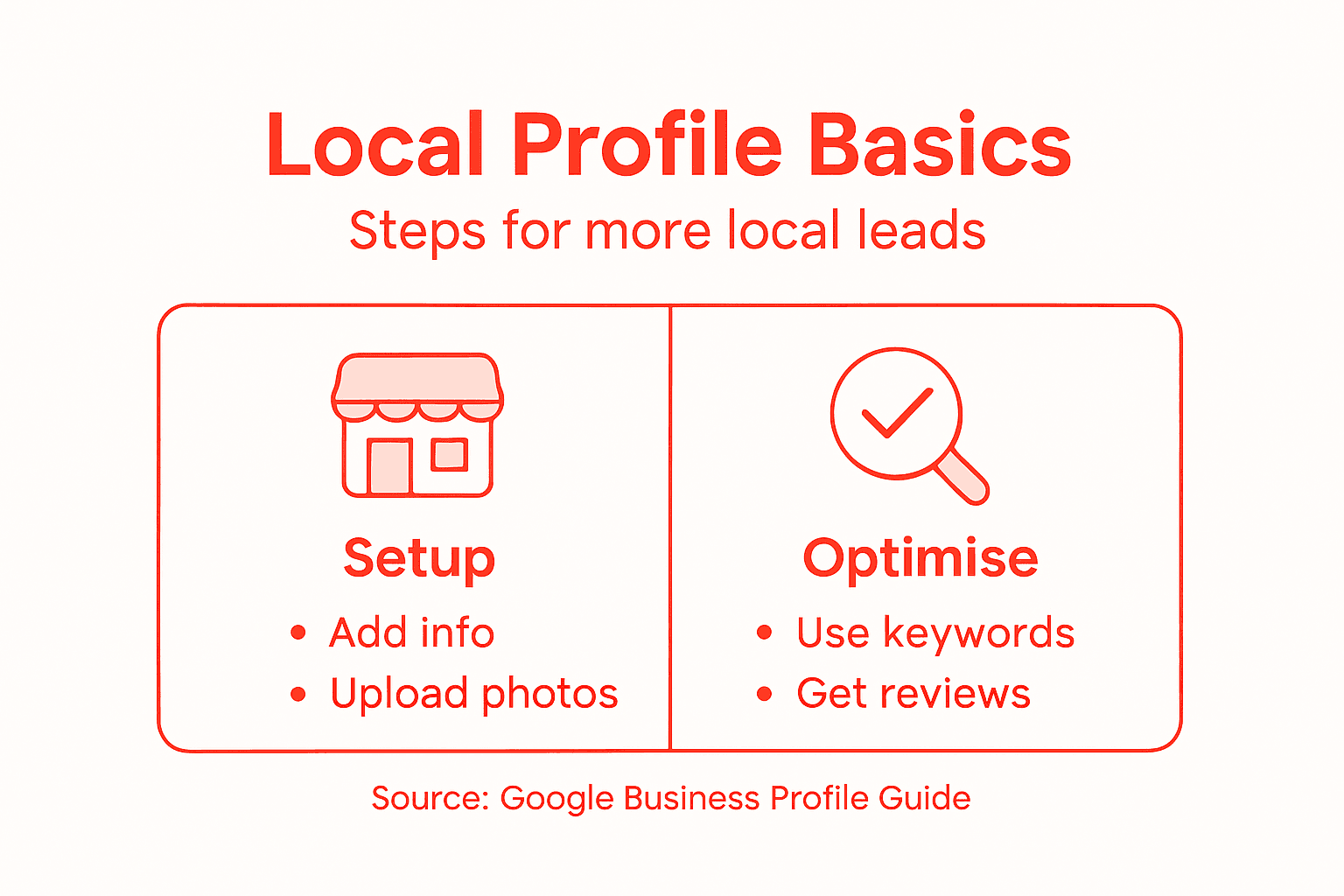
Encourage satisfied customers to leave reviews, as positive feedback can significantly improve your local search ranking and attract more potential clients.
Professional Insight: Regularly update your Google Business Profile with fresh content, photos, and recent information to maintain optimal local search performance.
Step 4: Add Posts, Photos, and Respond to Reviews
Engaging with your Google Business Profile is crucial for building customer trust and improving local visibility. Business Profile features allow you to showcase your brand personality and connect directly with potential customers.
Leverage these key engagement strategies:
- Create regular business posts
- Upload high-resolution professional photos
- Respond to all customer reviews promptly
- Share product and service updates
- Post upcoming event information
- Highlight special offers and promotions
- Use Q&A section to address common customer queries
Consistent and authentic engagement transforms your profile from a static listing into an interactive marketing tool.
When adding photos, focus on visual quality and diversity. Include images of your team, workspace, products, and completed projects. This helps potential customers get a genuine sense of your business and builds transparency.
Review responses are particularly critical. Acknowledge positive feedback with gratitude and address negative reviews professionally, demonstrating your commitment to customer satisfaction.
Professional Recommendation: Allocate 15-20 minutes weekly to update your Google Business Profile and maintain an active, engaging online presence.
Step 5: Verify and Monitor Your Profile Performance
Tracking your Google Business Profile’s performance is crucial for understanding how potential customers discover and interact with your business online. Local business insights provide valuable data to help you continually improve your digital marketing strategy.
Utilise these key performance monitoring techniques:
- Check monthly profile views
- Analyse customer search queries
- Review customer action statistics
- Monitor photo view counts
- Track website click-throughs
- Evaluate direction request frequencies
- Assess review response rates
Performance metrics reveal more than numbers – they tell the story of your local digital presence.
The insights dashboard provides a comprehensive overview of how customers find and engage with your business. Pay close attention to which search terms are driving traffic and which actions customers are taking most frequently.
Regularly responding to insights can help you refine your profile, adjust your marketing approach, and understand customer behaviour patterns more effectively.
Professional Recommendation: Schedule a monthly 30-minute review of your Google Business Profile analytics to stay proactive and data-driven in your local marketing strategy.
Use this table to understand key profile performance metrics and their business impact:
| Metric | What It Measures | Impact on Business |
|---|---|---|
| Profile views | Number of times listed | Gauges brand visibility |
| Customer actions | Clicks, calls, directions | Indicates customer engagement |
| Search queries | Terms used to find a business | Informs keyword strategy |
| Review response rate | Replies to customer reviews | Enhances public reputation |
Elevate Your Local Leads with Expert Google Business Profile Support
Struggling to maximise your Google Business Profile’s potential for local leads is a common challenge for many businesses. Issues like inaccurate listings, poor optimisation, and lack of engagement can hold back your visibility and customer trust. This guide highlights key steps to overcome these hurdles, but implementing them effectively demands time, insight, and expertise.
At Bamsh Digital Marketing Bristol, we understand these pain points deeply. Our award-winning team specialises in Google Business Profile Optimisation & Management aimed at boosting your local authority, improving Maps visibility, and increasing genuine customer interactions. By partnering with us, you gain access to clear, honest, and results-driven strategies tailored to your needs.
Why wait to watch your competitors rise? Take control now and ensure your business stands out to the local customers searching for your services. Book your free 15-minute growth call and let us create a custom plan that boosts your Google Business Profile and accelerates your lead generation today.
Lastly, we have a 21-minute video and 42-page guide on how to optimise your ‘Google My Business’ that can be viewed here: https://gmb.bamsh.co.uk/gmb-free-training-page
Frequently Asked Questions
How can I optimise my Google Business Profile for more local leads?
To optimise your Google Business Profile, complete every section thoroughly with accurate information and high-quality images. Regularly update your business description and include location-specific keywords to enhance local search visibility.
What details are essential for setting up my Google Business Profile?
Essential details for setting up your Google Business Profile include your business name, physical address, phone number, website URL, business category, operating hours, and a concise business description. Compile this information in advance to streamline the setup process.
How do I verify my Google Business Profile?
You can verify your Google Business Profile by confirming your business details through Google, which typically involves receiving a verification code via phone call, SMS, or postcard. Ensure all business information matches your official documentation to expedite verification.
What types of posts should I add to my Google Business Profile?
Focus on adding regular business posts, updates about products or services, event information, and special offers. Engaging content keeps your profile dynamic and helps attract potential customers.
How often should I monitor my Google Business Profile performance?
You should review your Google Business Profile performance monthly to check metrics like profile views, customer actions, and search queries. Regular monitoring helps you adjust your strategy based on customer engagement patterns.
Why is responding to reviews important for my Google Business Profile?
Responding to reviews is vital as it demonstrates your commitment to customer satisfaction and builds trust. Promptly addressing feedback can improve your business reputation and encourage more potential customers to engage with you.