
You’ve launched your website. You’re proud of it. But when you search for your business on Google… nothing. Or maybe you’re buried on page five, which might as well be invisible.
Here’s the thing: this happens to local Bristol businesses more often than you’d think. The good news? In most cases, it’s fixable. Let’s work out why your site isn’t showing up and what you can do about it.
First Things First: Is Your Site Actually Indexed?
Before we dive into the “why,” let’s check whether Google even knows your website exists. This takes 30 seconds.
Go to Google and type: site:yourdomain.com (replace “yourdomain” with your actual website address). Hit enter.
If you see a list of your pages appear, congratulations – your site is indexed. Your problem is about ranking and visibility, not whether Google can find you. If nothing appears? Google hasn’t indexed your site at all, which means we need to fix that first.
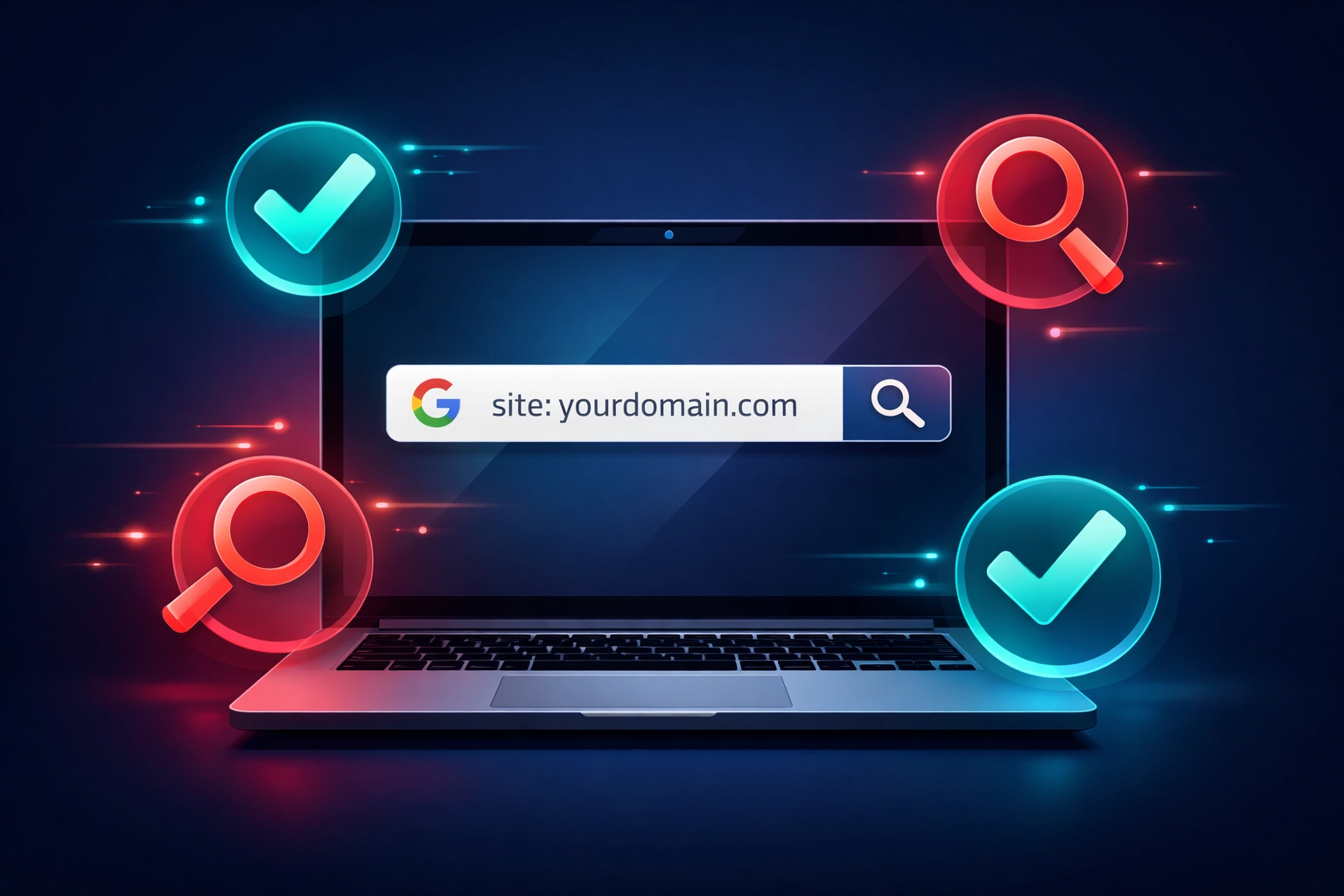
This simple test tells you which problem you’re actually dealing with. Most Bristol business owners skip this step and waste time fixing the wrong thing.
Why Your Brand New Website Isn’t Showing Yet
Let’s start with the most common scenario: you’ve just launched your site in the past few weeks.
Your site might simply be too new. Google doesn’t instantly index every website the moment it goes live. For new domains especially, it can take anywhere from a few days to several weeks before you start appearing in search results.
Think of it like moving to Bristol and waiting for your post to be redirected. There’s a lag. It’s frustrating, but it’s normal.
What speeds things up? Submitting your sitemap to Google Search Console (more on that in a moment) and getting a few quality links from established websites. When Google sees other sites linking to yours, it takes you more seriously.
Google Can’t Crawl Your Site (And You Might Have Blocked It)
Here’s where things get technical, but stay with me. Sometimes your website has settings that literally tell Google “don’t look at me.”
Common culprits include:
- Your robots.txt file blocking Google’s crawlers – this is like putting a “Private Property” sign on your website
- A “noindex” meta tag on your pages – you’re specifically telling Google not to show these pages in search results
- Your CMS settings discouraging search engines – WordPress, for example, has a checkbox that blocks search engines
The irony? Your web developer might have switched these on while building your site to keep Google from indexing an unfinished website. Then they forgot to switch them off.
Check your settings. If you’re using WordPress, go to Settings > Reading and make sure “Discourage search engines from indexing this site” is unticked. For other platforms, ask your developer or check the SEO settings section.

Google Search Console has a URL Inspection tool that tells you exactly whether Google can access your pages and, if not, why. It’s free, and it gives you the actual answer rather than guessing.
Your Content Isn’t Good Enough (Yet)
Let’s be honest about something: Google doesn’t owe your website visibility. It has to earn it.
If your pages contain thin, minimal content that doesn’t really help anyone, Google might choose not to rank them highly – or at all. This particularly affects:
- Service pages with three sentences – “We offer plumbing services in Bristol. Call us today!” isn’t enough
- Duplicate content – copying text from competitors or repeating the same content across multiple pages
- Pages with more images than text – Google reads words, not pictures
Here’s what Google wants: content that genuinely answers what someone is searching for. If you’re a Bristol accountant, a page about “Tax Returns Bristol” needs to actually explain tax returns, who needs them, when they’re due, and what happens if you miss the deadline.
You don’t need a novel. You need useful information. Aim for at least 300-500 words per page, and make sure those words actually help your potential customers.
Technical Problems Are Killing Your Visibility
Your website might be beautifully designed but technically broken in ways that hurt your Google rankings.
Google cares about:
Site speed – if your website takes seven seconds to load, users bounce, and Google notices. Compress your images, use decent hosting, and avoid loading 47 different scripts and plugins.
Mobile experience – more than half of Google searches happen on phones. If your site looks terrible or doesn’t work properly on mobile, you’re done.
Security (HTTPS) – websites without SSL certificates (the little padlock in the browser) get penalised. If your URL starts with “http://” instead of “https://”, fix that immediately.
Broken pages – 404 errors, redirect chains, and pages that don’t load properly all signal to Google that your website isn’t well maintained.
Use Google’s PageSpeed Insights tool (it’s free) to check your site’s performance. It’ll give you a score and tell you exactly what’s slowing things down.
You’re Targeting the Wrong Keywords
Here’s a mistake we see constantly with Bristol businesses: optimising for keywords that don’t match what people actually want.
If you’re a wedding photographer and you’ve optimised your homepage for “wedding photography equipment Bristol,” you’re targeting the wrong search intent. People searching that phrase want to buy cameras, not hire a photographer.
Match your content to what searchers want:
- Informational searches – “how to,” “what is,” “best ways to” (these need educational content)
- Commercial searches – “best,” “top,” “reviews” (these need comparison and recommendation content)
- Transactional searches – “buy,” “book,” “hire,” “near me” (these need service and contact pages)
Think about your customer journey. What do they search for at each stage? Create content for those specific searches, not just the searches you wish they’d make.
You Have No Authority (And That’s Normal for New Sites)
Google trusts websites that other reputable websites link to. If your site launched three weeks ago and has zero backlinks, you’re starting from scratch in terms of authority.
You can rank with minimal links, but it’s harder and takes longer. Focus on:
- Getting listed in quality Bristol business directories – not spammy link farms, but legitimate local directories
- Earning mentions from local publications – Bristol Post, local business networks, industry associations
- Building relationships with complementary businesses – a Bristol wedding venue linking to you is worth more than 50 random directory listings
Quality matters infinitely more than quantity. One link from a respected source beats 100 links from rubbish websites.
Bristol Local Search: Are You Using Google Business Profile?
If you’re a local Bristol business serving customers in person or within a specific area, you need a Google Business Profile (formerly Google My Business). This is non-negotiable.
When someone searches “your service + Bristol” or “your service + near me,” Google Business Profile listings appear above organic search results. Without it, you’re invisible in the local pack – those map results at the top.
Setting it up takes 20 minutes:
- Go to google.com/business
- Claim or create your business listing
- Verify your address (Google sends a postcode)
- Complete every section – hours, services, photos, description
- Choose the right categories
Your Google Business Profile often ranks before your website does for local searches. It’s faster to set up and immediately puts you on the map – literally.
What to Do Right Now
Let’s make this actionable. Here’s your checklist:
Today:
- Do the site:yourdomain.com test
- Check robots.txt isn’t blocking Google
- Verify your site has an SSL certificate (https://)
- Set up Google Search Console and submit your sitemap
This week:
- Review your main pages for thin content – aim for 400+ words
- Test your site speed and mobile experience
- Create or claim your Google Business Profile
- Fix any broken links or 404 errors
This month:
- Write 3-5 pieces of helpful content answering customer questions
- Get listed in 5-10 quality Bristol business directories
- Ask happy customers for Google reviews
- Build relationships with complementary local businesses
If you’ve checked everything on this list and you’re still not showing up after 4-6 weeks, there might be a penalty or deeper technical issue. Google Search Console’s Manual Actions report will tell you if you’ve violated their guidelines.
The Honest Truth About Timeframes
You might be wondering: “How long until I see results?”
Here’s the reality: if your site is brand new, expect 2-3 months before you see meaningful organic traffic. If it’s an older site with problems, fixes can show results within 2-4 weeks.
Google doesn’t work on your schedule. Consistency matters more than speed. Keep publishing helpful content, fix technical issues as they appear, and gradually build your authority.
If you need faster visibility while your SEO efforts mature, consider Google Ads for immediate traffic. It’s not a replacement for good SEO, but it can keep leads coming in while you build your organic presence.
Need help figuring out what’s actually wrong with your site? Our SEO services include a comprehensive audit that identifies exactly what’s holding you back. We work with local Bristol businesses to get them showing up where their customers are searching.
Your website not showing on Google isn’t permanent. It’s a problem with a solution. Most of the time, it’s several small fixable issues rather than one massive problem. Work through this checklist, give it time, and you’ll see progress.
Frequently Asked Questions
Why is my website not showing on Google at all?
Your website may not be indexed yet, meaning Google hasn’t discovered or added your pages to its search results.
How can I check if my website is indexed by Google?
Search “site:yourdomain.com” in Google. If no pages appear, your site isn’t indexed and needs attention.
How long does it take for a new website to appear on Google?
It can take a few days to several weeks for Google to index a new website, especially if it has no backlinks.
What stops Google from crawling my website?
Issues like blocked robots.txt files, noindex tags, or CMS settings can prevent Google from accessing your site.
Does poor content affect my Google visibility?
Yes, thin or unhelpful content reduces your chances of ranking because Google prioritises useful, relevant information.
What technical issues can hurt my search rankings?
Slow loading speeds, poor mobile experience, lack of HTTPS security, and broken pages can all negatively impact rankings.
Why am I targeting the wrong keywords?
If your content doesn’t match search intent, Google won’t rank it well, even if the keywords seem relevant.
Do backlinks really matter for SEO?
Yes, backlinks from trusted websites increase your site’s authority and improve your chances of ranking higher.
What is Google Business Profile and why is it important?
It’s a free listing that helps local Bristol businesses appear in map results and local searches, often above websites.
How long does it take to improve Google rankings?
Most websites see noticeable improvements within 2–3 months with consistent SEO efforts and technical fixes.